
Wiki / Save answers to cards
Save answers to cards
Keep the best explanations in a note field.
When the AI gives you an explanation worth keeping, save it into a field of the note. It is then part of the card, on every device, the next time the card comes up.
Save the latest answer
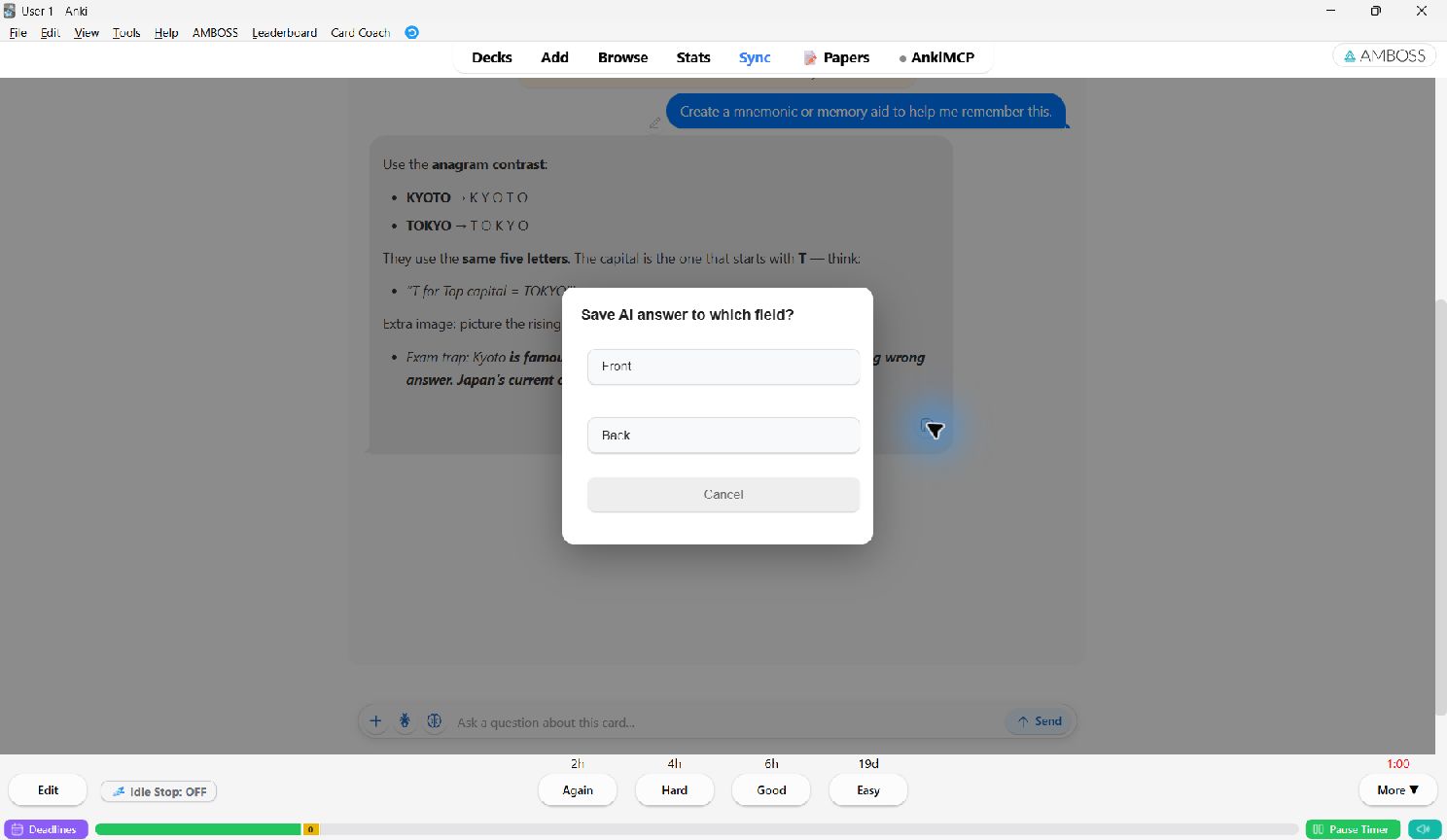
- Click Save in the chat panel header, or the save icon under a reply.
- Pick the field to save into. The list shows the fields of this note.
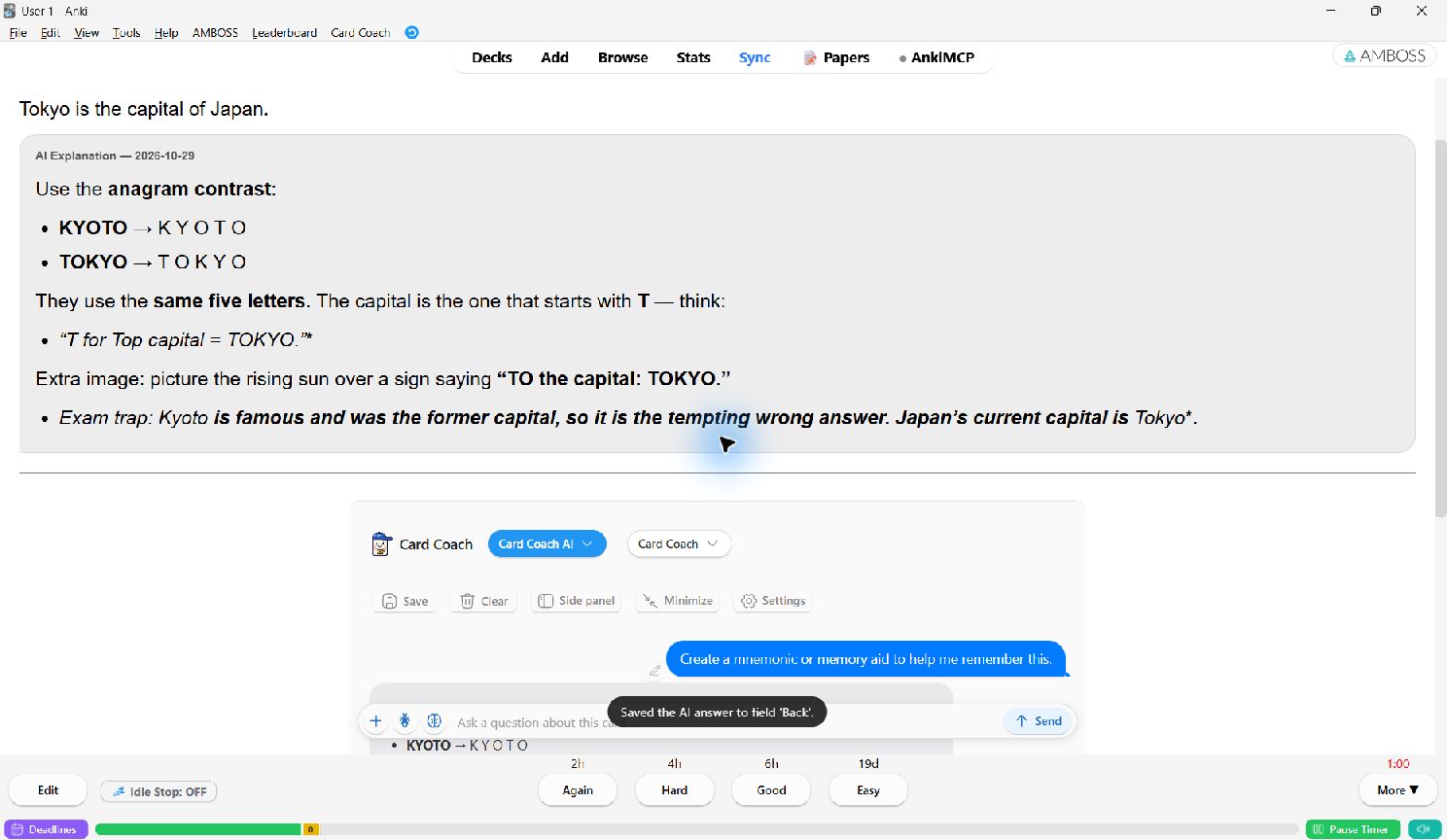
- The answer is added to the end of the field under an AI Explanation — date header. Earlier content in the field is kept.
Save only part of a reply
With the beta selection menu on, select some text inside an AI reply and choose Save to card to save only that part. See Select text.
Which field to use
The suggested field is set in Chat panel → Default field for saved answers (AI Notes by default).
If your note type has no such field, add one in Anki: Tools → Manage Note Types → Fields, then
show it on the back template. You can also save into any existing field, such as Extra or Back Extra.
To explain many cards at once and save each answer automatically, use Bulk Explain in the Browser.